
In this guide
How it works
Open the PDF and choose the pages whose wording you need.
Create the Markdown export and download the MD file.
Review it in your editor and add appropriate headings, lists or tables.
Input, result and limits
| Property | Details |
|---|---|
| Input | |
| Output | Markdown · MD |
| Important limitation | Text output without reconstructing pictures, tables or page layout. |
The workflow in six views
1Input
Open the PDF and choose the pages whose wording you need.
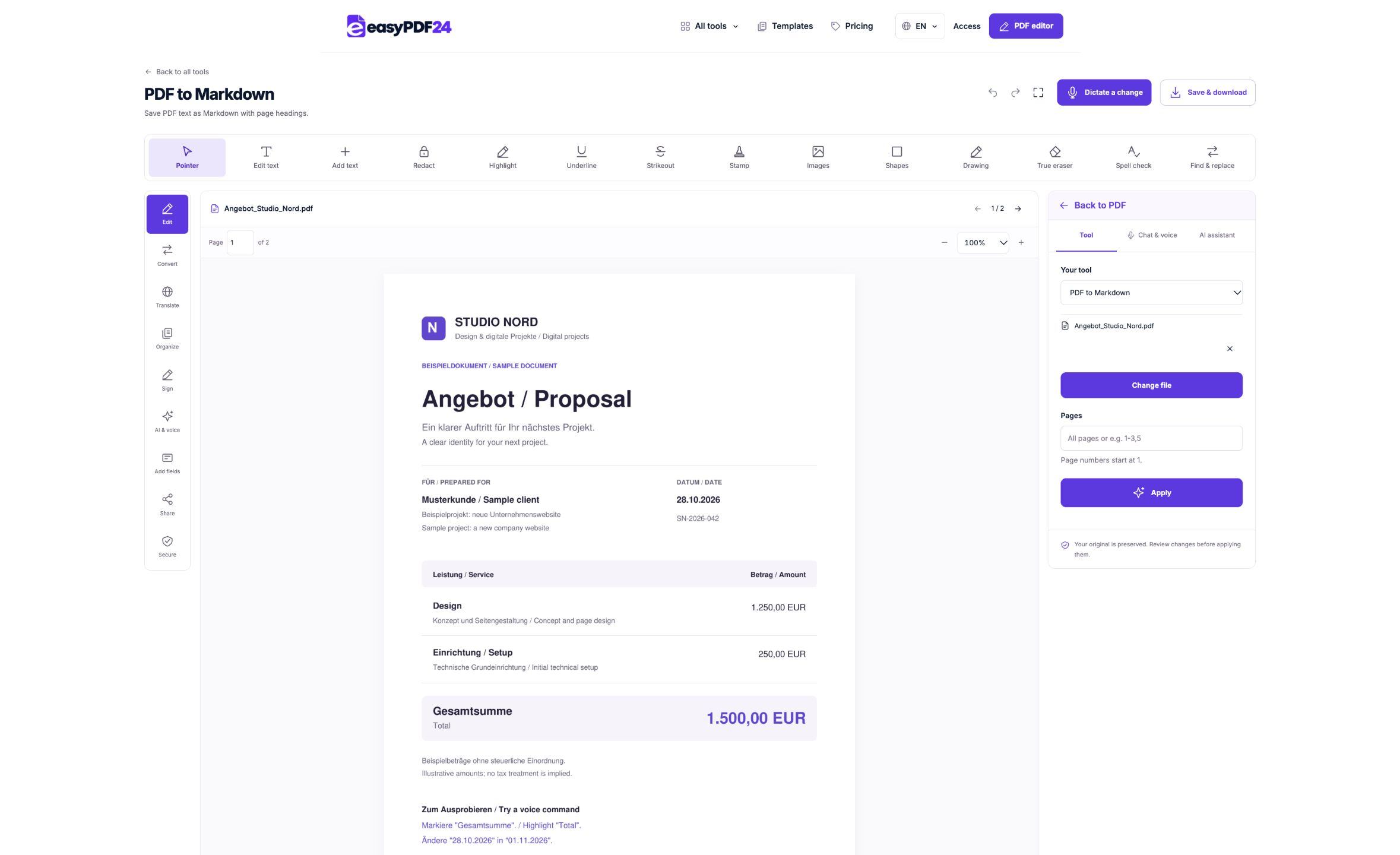
2Settings
Create the Markdown export and download the MD file.
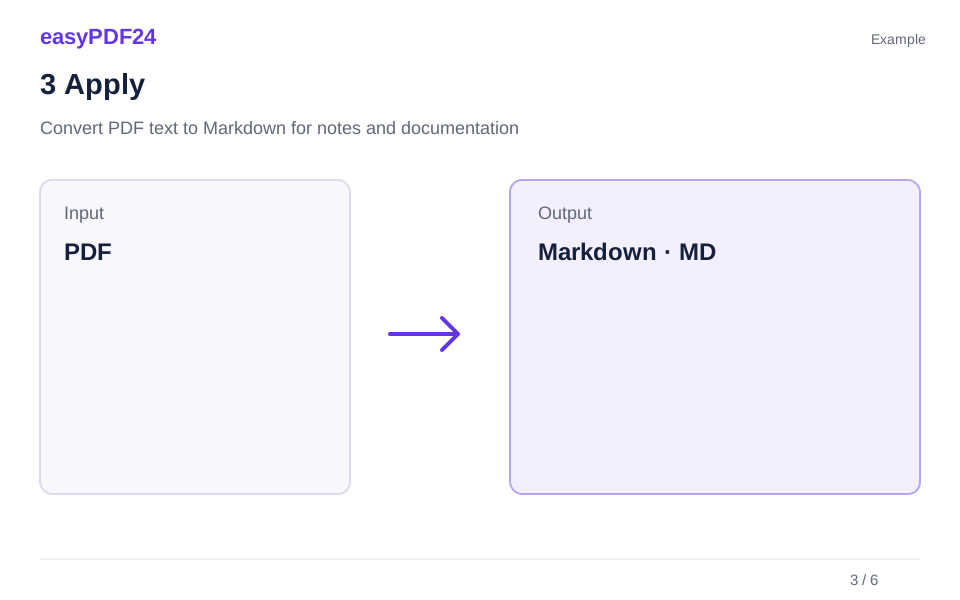
3Apply
PDF → Markdown · MD
4Before and after
Visual page → Extracted text
5Review
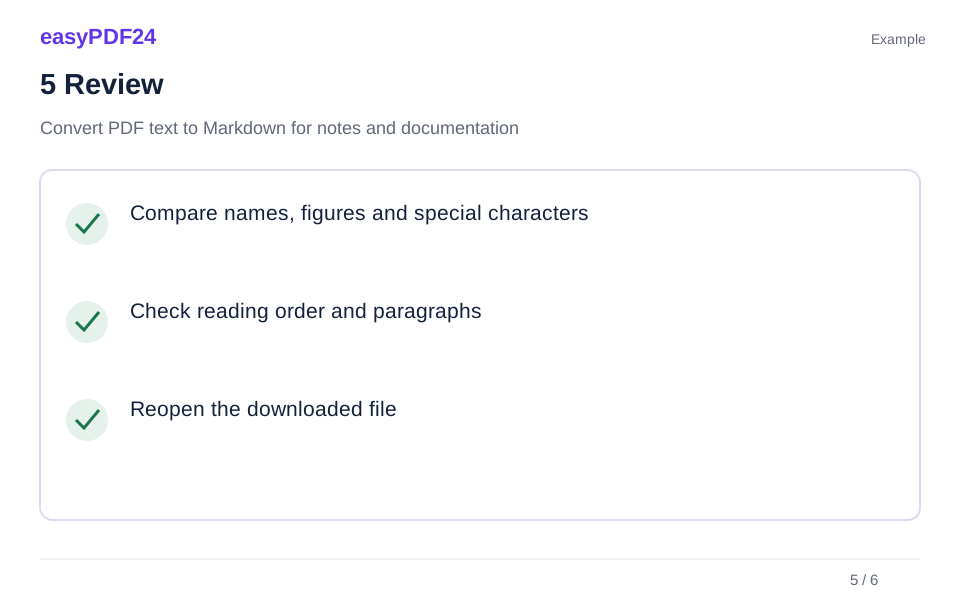
Compare names, figures and special characters Check reading order and paragraphs Reopen the downloaded file
6Save
Review it in your editor and add appropriate headings, lists or tables.
Example
Before
Visual page
After
Extracted text
Check these details in the result
- Compare names, figures and special characters
- Check reading order and paragraphs
- Reopen the downloaded file
Start with text you can check against its source
Page headings help you trace a paragraph back to the original. Use them when checking technical terms, footnotes and figures. The export does not reliably determine which font size represents a particular heading level. Add the meaningful document hierarchy after reading the source, especially when converting a report into a shorter set of notes.
Handle tables and scanned images separately
Pictures and visual tables do not become equivalent Markdown elements. Multiple columns can also require manual reordering. The Excel export is more suitable when you need actual table cells, while scanned images require OCR first. Keep the PDF as a reference when position, spacing or the relationship between a caption and its image matters.
Frequently asked questions
Does the export recreate all the original headings?
It provides page headings. Review and add the document's meaningful hierarchy yourself.
Can I edit the MD file afterward?
Yes. It is a text file for a Markdown or ordinary text editor. Editing it does not change the original PDF pages.