
In this guide
How it works
Select one to ten images containing German or English text.
Choose the recognition language and create the PDF.
Check names, numbers and search results before downloading.
Input, result and limits
| Property | Details |
|---|---|
| Input | JPG / PNG / WebP |
| Output | |
| Important limitation | Up to 10 images; German or English OCR produces a searchable PDF. |
The workflow in six views
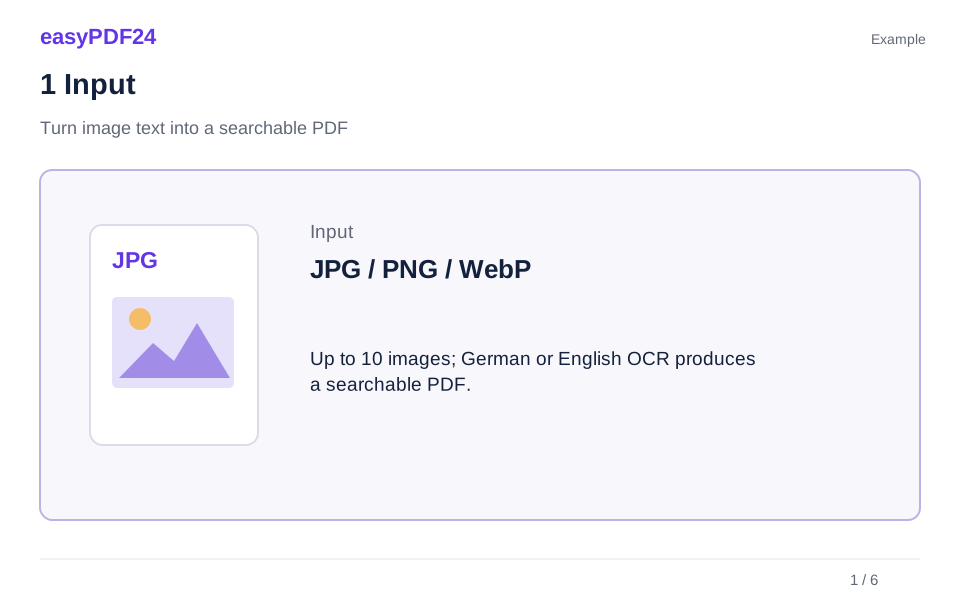
1Input
Select one to ten images containing German or English text.
2Settings
Choose the recognition language and create the PDF.
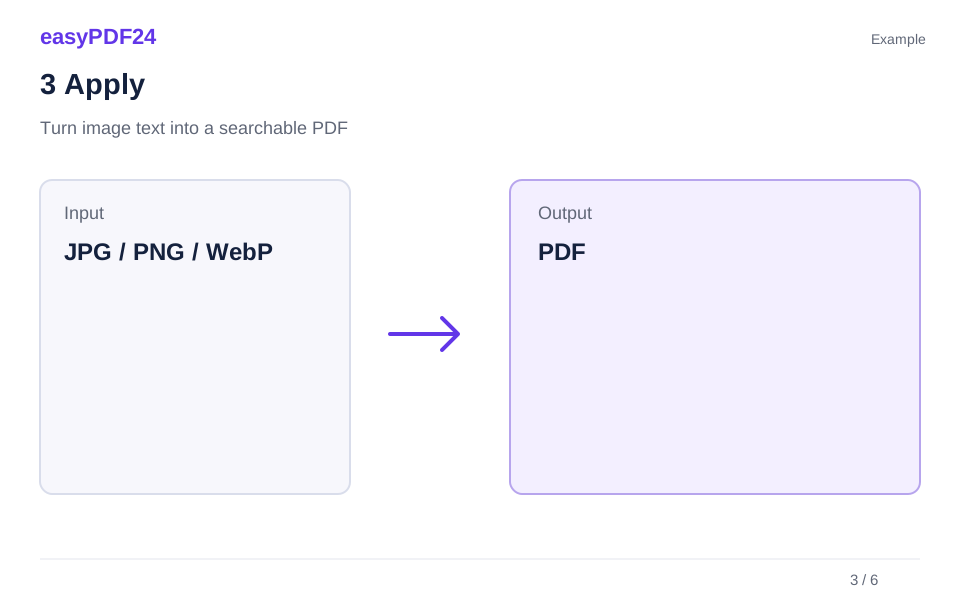
3Apply
JPG / PNG / WebP → PDF
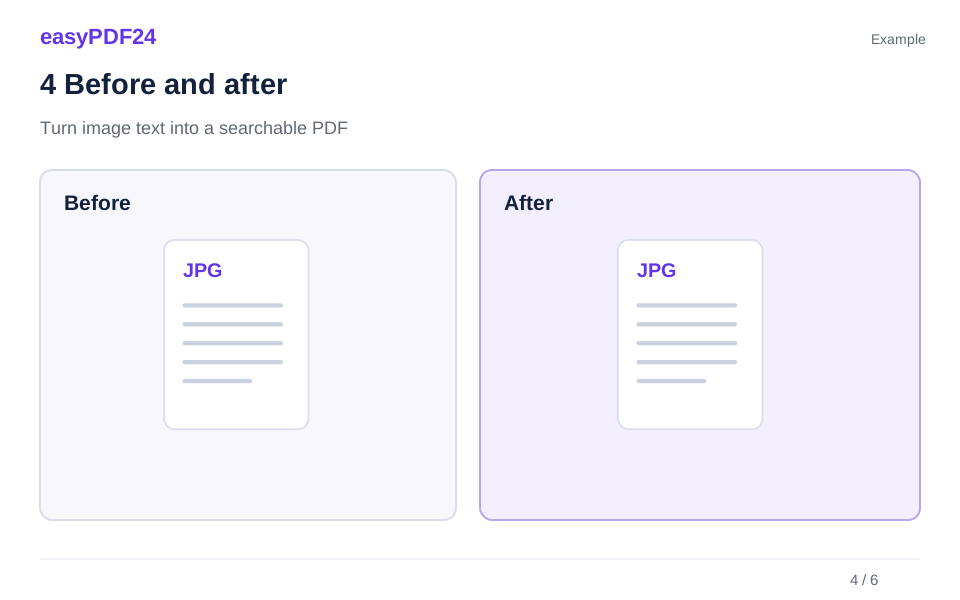
4Before and after
Visual page → Extracted text
5Review
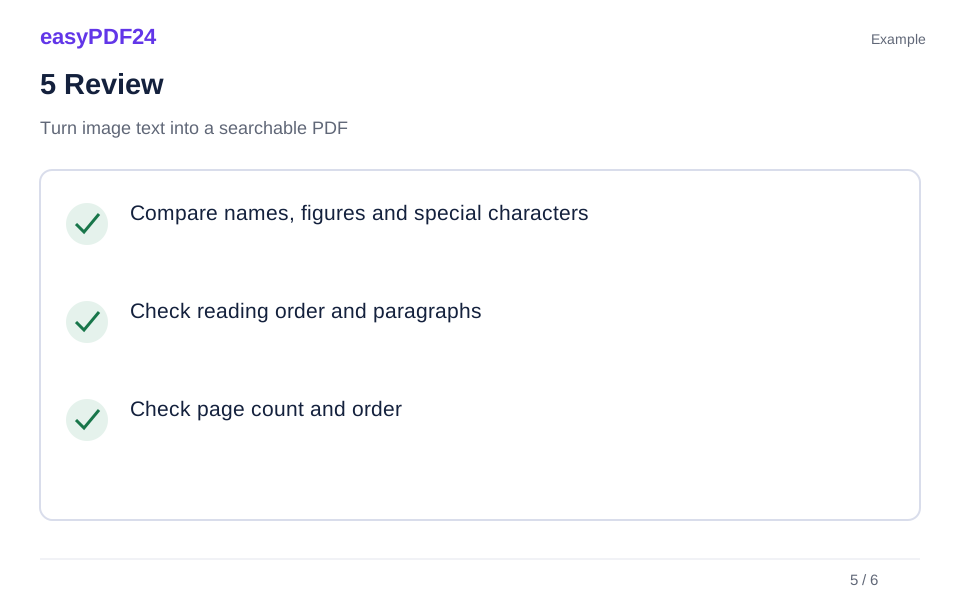
Compare names, figures and special characters Check reading order and paragraphs Check page count and order
6Save
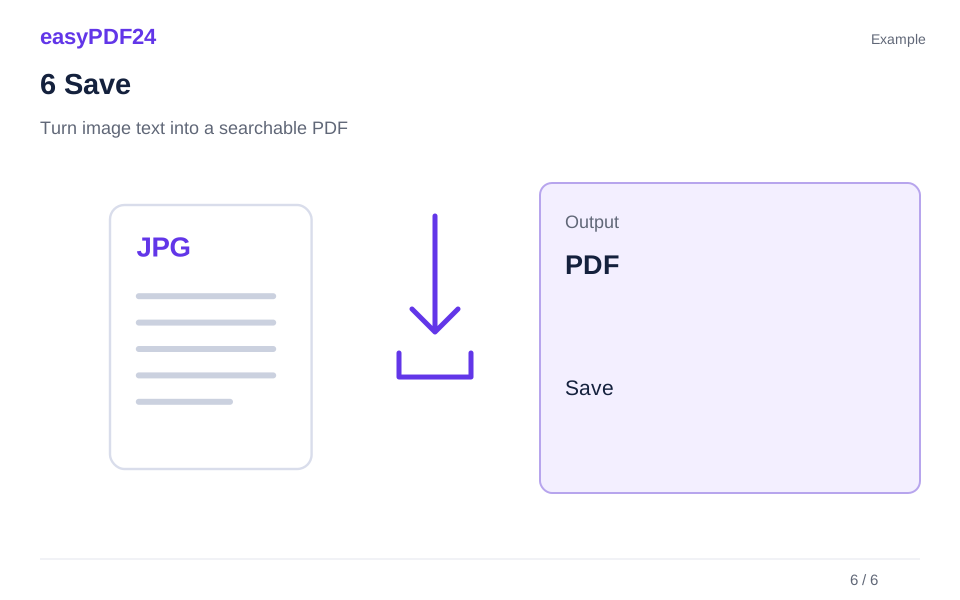
Check names, numbers and search results before downloading.
Example
Before
Visual page
After
Extracted text
Check these details in the result
- Compare names, figures and special characters
- Check reading order and paragraphs
- Check page count and order
Prepare images that are easy to read
Sharp, upright images with even lighting give recognition a better starting point. For photographed documents, use the scanner first when perspective or page edges need correction. Common image formats include JPEG, PNG, WebP and HEIC; animated or multipage image files are not supported by this workflow.
Keep the original as your reference
The combined upload is limited to 25 MiB, with at most 40 megapixels per image. Images are fitted onto A4 pages. OCR adds searchable text; it does not recreate an editable document layout. Recognition can misread small type, handwriting, low contrast or unusual characters, so important details need checking.
Frequently asked questions
Can I recognize text in any language?
This tool currently offers German and English recognition. Choose the language that matches the source.
Does OCR replace the visible image?
No. The page image remains visible and the recognized text is added as a layer. Compare copied text with that image.